a WhatsApp number Activation
Connecting and activating a WhatsApp number in your E-chat account
What do I need to activate the number?
- WhatsApp application with the number to be activated must be on your mobile device (to scan the QR code).
It will take 9 minutes to scan the QR code, so we recommend you to prepare a smartphone with WhatsApp application in advance.
Number activation
- Log in to your personal E-chat account
- In the upper left corner click “Connect WhatsApp number”.
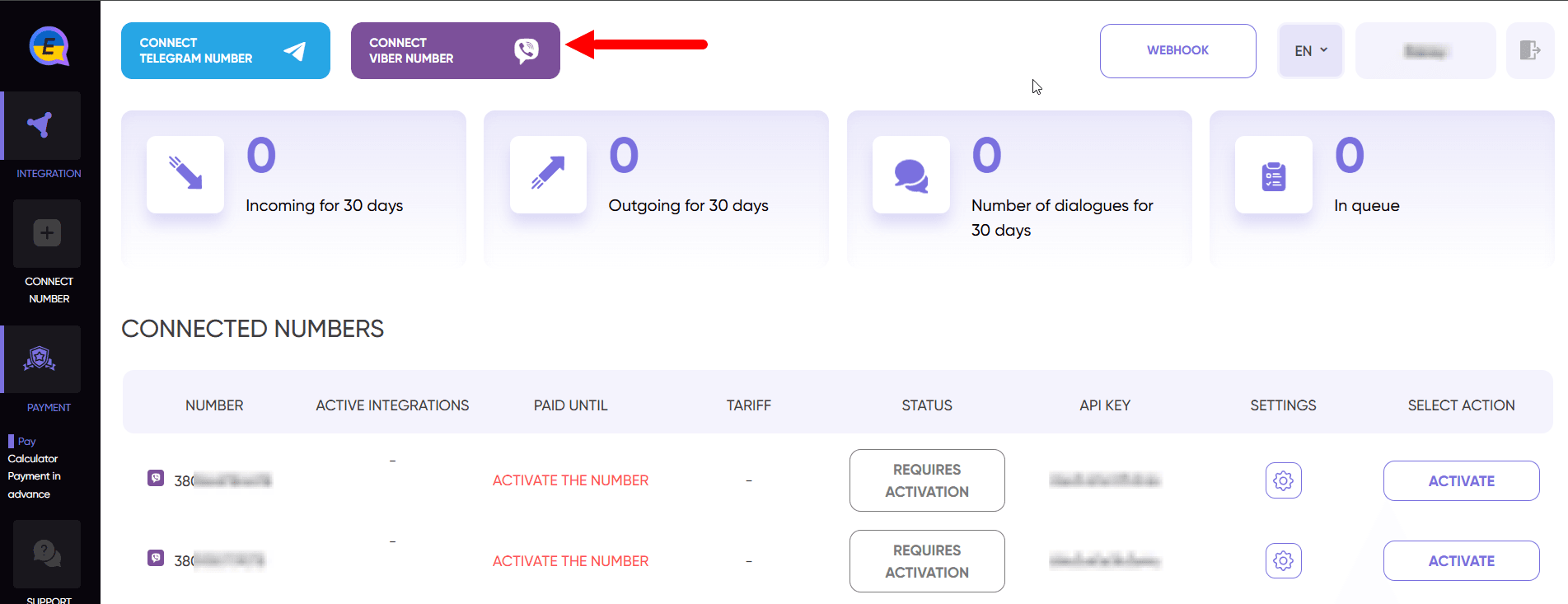
- In the pop-up window, be sure to select the CRM with which you will integrate the number and enter the number to be connected in the international format.
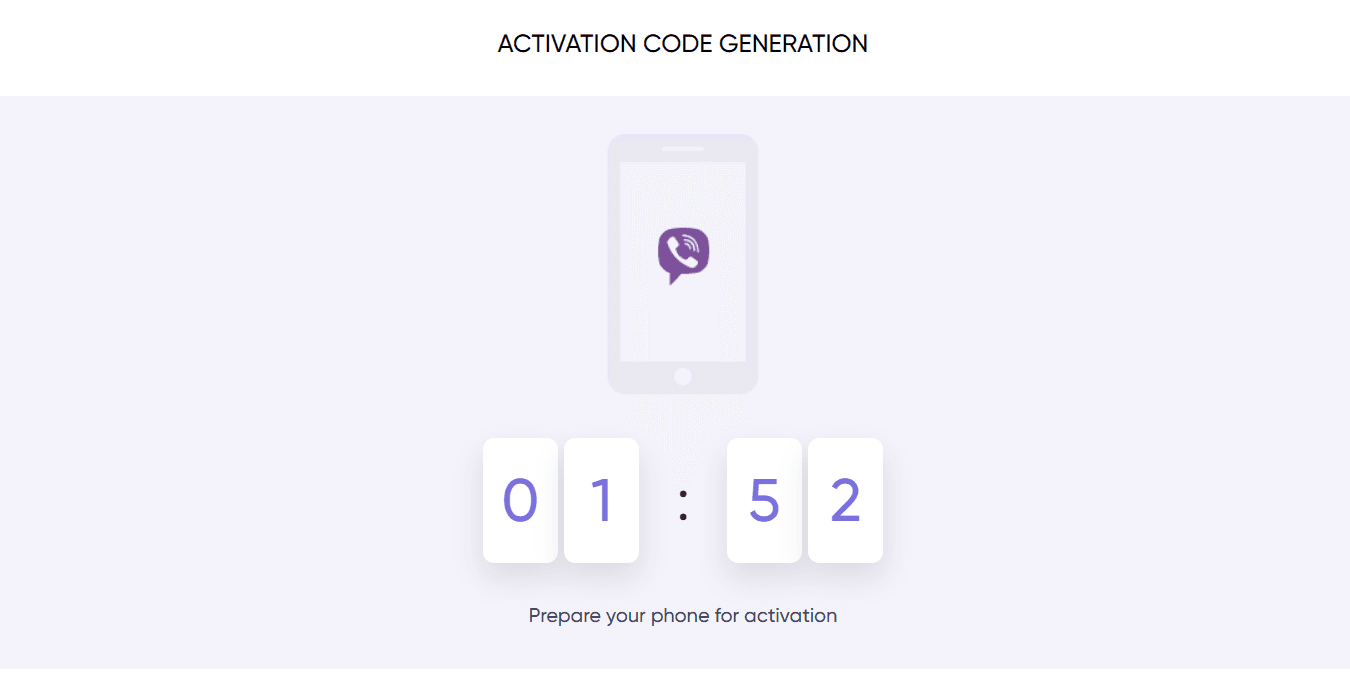
- Prepare the mobile application and click “Generate QR”
- Code generation takes up to 2 minutes, but usually happens in 20 seconds - wait until the QR code is generated
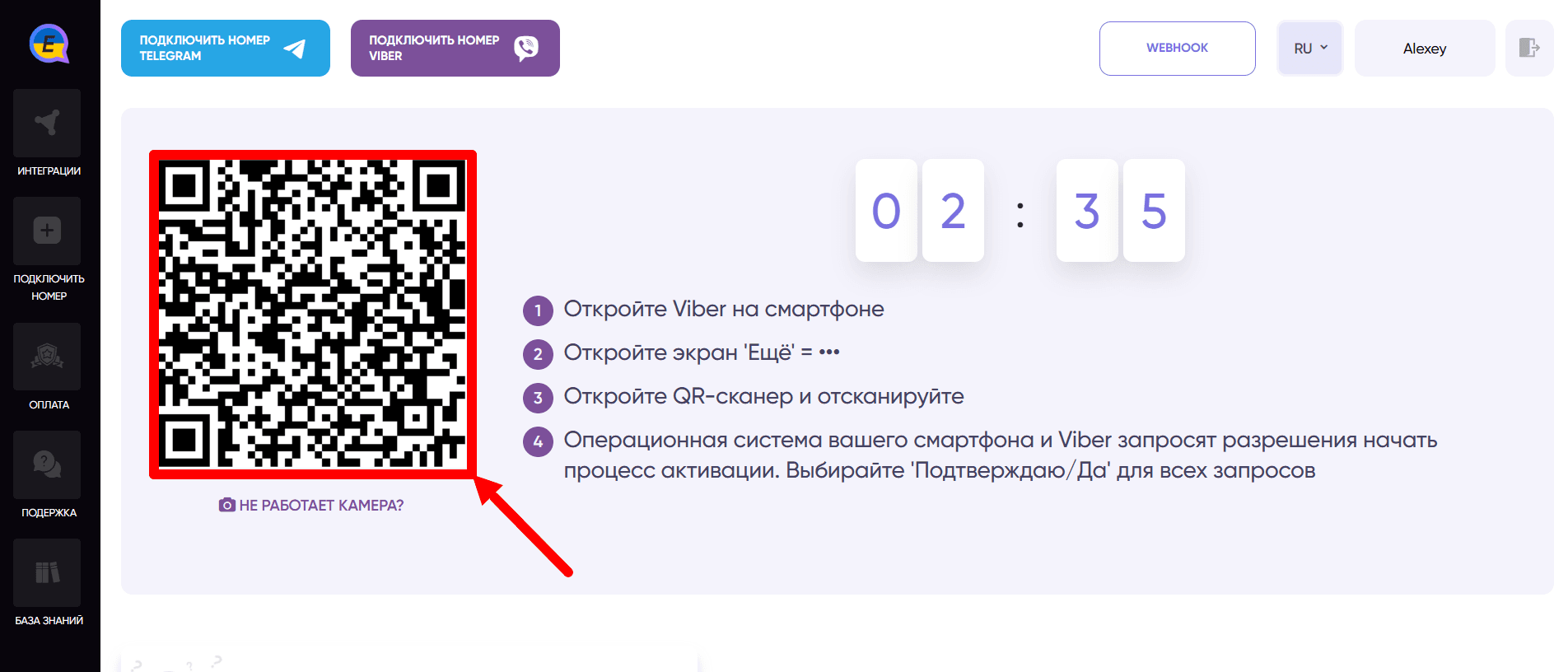
Once the QR code appears you can activate the number in 2 ways:
- With the camera in your phone - take your phone → open the WhatsApp app → go to the “More” tab (usually it appears as three horizontal lines or dots at the bottom of the screen) → in the opened window, in the upper right corner click on the QR code scanner → scan the QR code.
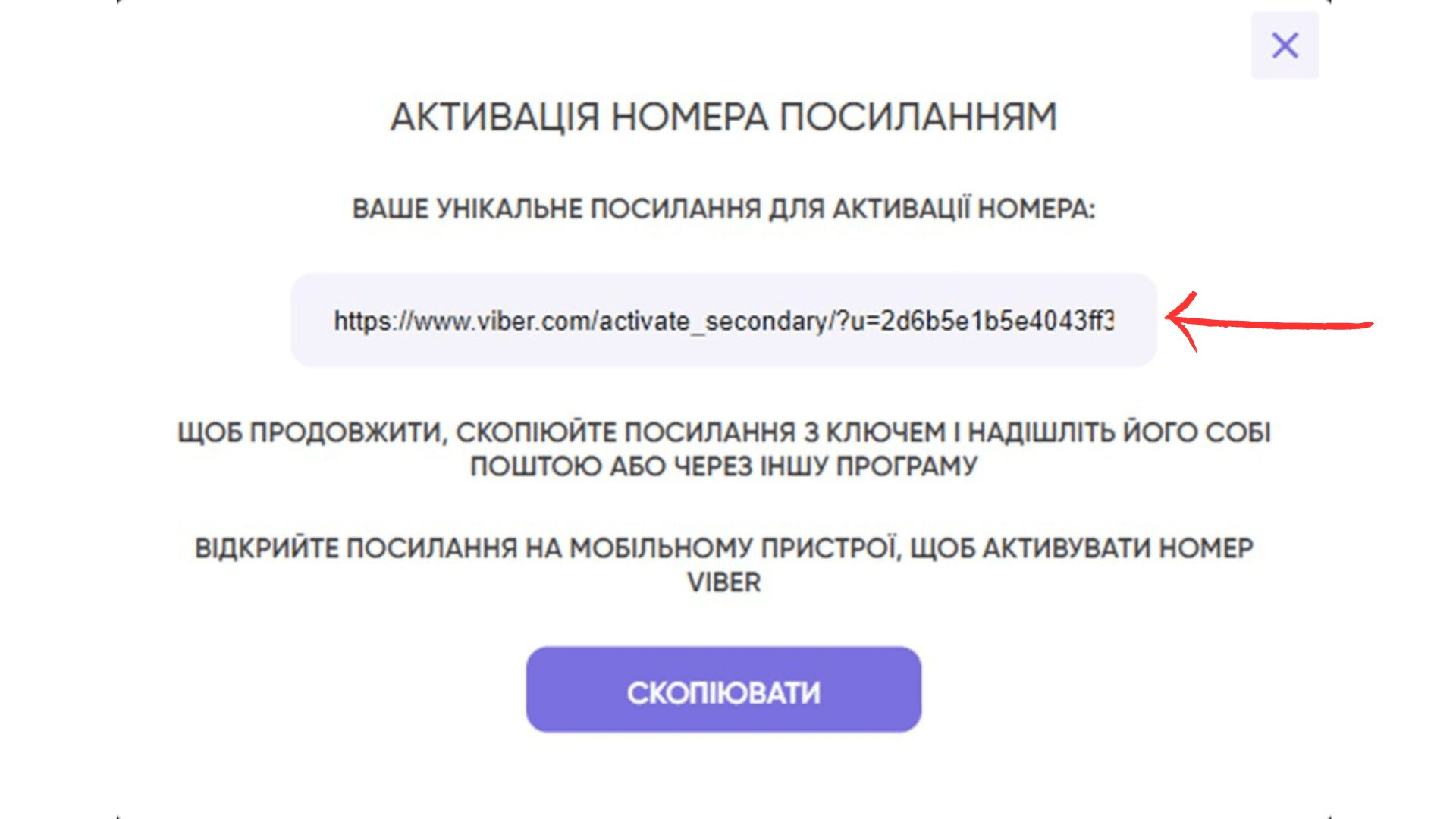
- If the camera is not working - click on “Camera not working?” → in the opened window there will be a unique link to activate the number → copy it → paste the link in the browser on your device and follow it, you will be redirected to the WhatsApp application → in the opened WhatsApp application you will need to confirm the authorization of your account.
- If everything went well, you will receive a message from WhatsApp: “New login. We have detected a login to your account from a new device...”. In the settings you can see the new device - for the service to work, DO NOT REMOVE it.
- On the screen of E-chat cabinet you will see a window about successful activation of the number - you have successfully activated the number, otherwise read the possible solutions.
- Further in your personal cabinet you will go to the page of instructions on how to connect your number with CRM.
After activation of your number, you will be automatically credited with 7 days of test period for the first number of each messenger, and 3 days for each subsequent number.
When actively using WhatsApp messenger be careful with SPAM. To avoid being blocked by the messenger. We recommend to read additional instructions.
Was this article helpful?
Share it with colleagues who might need it
Connect messengers to your CRM
Message clients first right from the client card and keep all conversations in your CRM. 7-day free trial, up to 40% off when connecting several numbers.